 English
 বাংলা
বাংলা

How to Open an Online Shop in Bangladesh (Free, Step by Step)
Everything a small seller needs to open an online shop in Bangladesh without paying a taka: signup, delivery charges, payment options and a first listing.
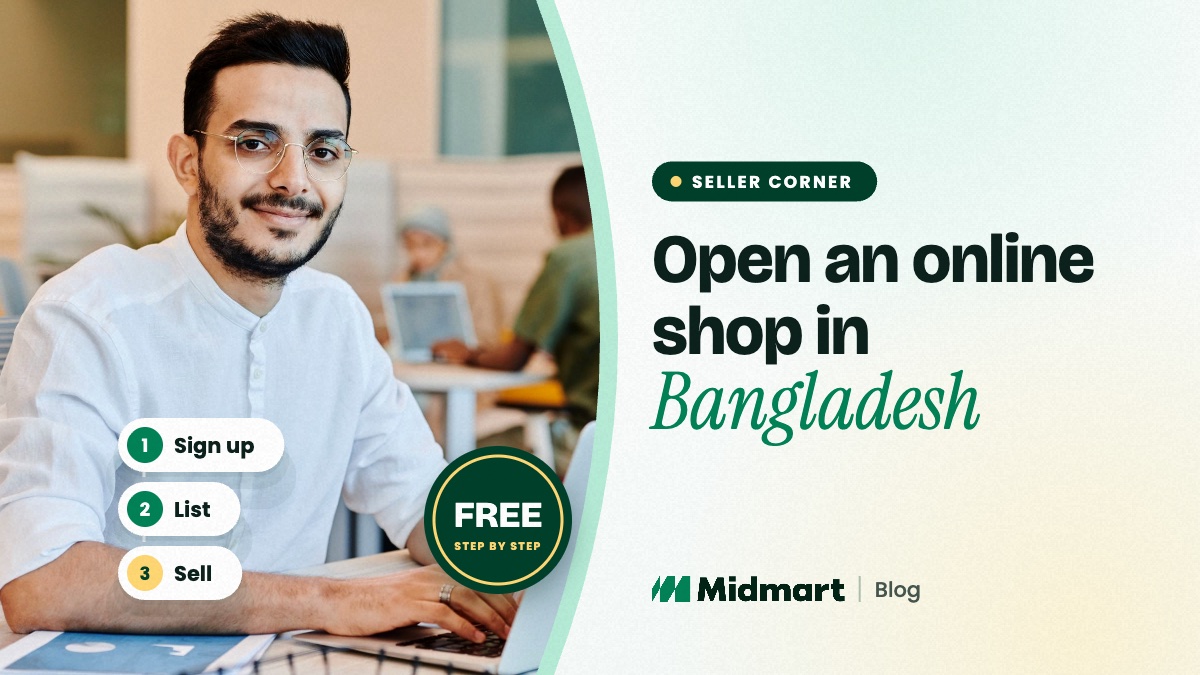
To open an online shop in Bangladesh for free, sign up as a seller on a marketplace such as Midmart with your mobile number, confirm it with a one-time code, and name your shop. Then set a delivery charge for each zone, add how buyers can pay you, and list your first products for review.
You do not need a website, a developer or any money up front. Below is the whole route, in the order you will actually do it.
What you need before you start
- A mobile number you answer. It becomes your login, and it is how order alerts and buyers reach you.
- A shop name. Short, easy to say and easy to spell in English and Bangla. Your shop's web address is built from it.
- A few products you can ship this week. Real stock and real photos. Ten honest listings beat a hundred placeholders.
- A delivery plan. A courier you already use, or your own rider for nearby orders.
Midmart does not ask for documents to open a shop. An NID, passport or trade licence comes in only if you later choose to get your shop verified. As your business grows, check which licences and tax registrations apply to you — that is between you and the authorities, not the marketplace.
Step 1: Sign up with your phone number
Go to the seller signup page and enter your mobile number. A 6-digit code arrives by SMS; enter it, then add your name, a password and your shop name. That is the whole form, and most sellers finish in a few minutes. If you already buy on Midmart, sign in first and open your shop from the same account.
Step 2: Use the review time well
Midmart's team checks every new shop before it appears to buyers, usually within a day. You do not have to wait idle: add your products straight away. Each listing is reviewed too, and your listings go live once your shop is approved and they have cleared review.
Step 3: Fill in your shop profile
From your seller panel, add a logo, a short description, your district and address, and two written policies: delivery and returns. Buyers can browse by district, so set yours accurately. Because Midmart neither collects the payment nor books the courier, those two policies are the agreement between you and your buyer. Be specific: who delivers, roughly how many days each zone takes, whether the buyer may open the parcel at the door, and what you will take back.
Step 4: Set a delivery charge for each zone
Delivery in Bangladesh is priced in three zones: Inside Dhaka, Outside Dhaka City, and Suburban & Rural. You set your own charge and an estimated delivery time for each. Work the charges out from what your courier actually bills you, including returned parcels and cash-collection fees. Delivery is charged per shop, so a buyer ordering from you and two other shops pays three delivery charges — one line in your delivery policy saves a lot of questions.
Step 5: Choose how buyers pay you
Turn on the payment options you already use: cash on delivery, your own bKash or Nagad number, a bank account, or "decide with the seller". Buyers see exactly those options at checkout and pay you directly. Midmart never holds the money, so there is no payout schedule to wait for and nothing deducted from the order.
Step 6: List your first products
Write a clear title — brand, model and the one specification that matters. Add at least three real photos on a plain background, choose the most specific category, and give your true price and stock. Complete, specific listings clear review fastest; copied text, keyword-stuffed titles and photos of a different variant are the usual reasons a listing is sent back.
Step 7: Bring your existing buyers with you
Share your shop link on your Facebook page, in your WhatsApp groups and on your packaging. Midmart adds buyers who are searching by product, category and location — see how selling online works in your district — but the customers who already know you are your quickest first orders.
What it costs
Nothing. There is no setup fee, no listing fee, no monthly subscription and no commission on your sales. Your costs are the ones you already have — stock, packaging and your courier — and the order total you collect from the buyer is yours in full.
Questions sellers ask
Do I need a trade licence to open a shop on Midmart?
No. Midmart does not ask for one to open a shop. If you have a trade licence, you can submit it — or your NID or passport — to apply for the optional verified badge. Licensing and tax rules depend on your business, so check what applies to you as you grow.
How long until my shop is live?
Signup takes a few minutes. New shops are reviewed before they appear to buyers, usually within a day, and you can add products while you wait.
Can I sell from outside Dhaka?
Yes. Sellers anywhere in Bangladesh can open a shop. Set your district in your profile so nearby buyers can find you, and set a delivery charge for each zone you ship to.
Ready? Open your free shop on Midmart — it takes a mobile number and a few minutes.